
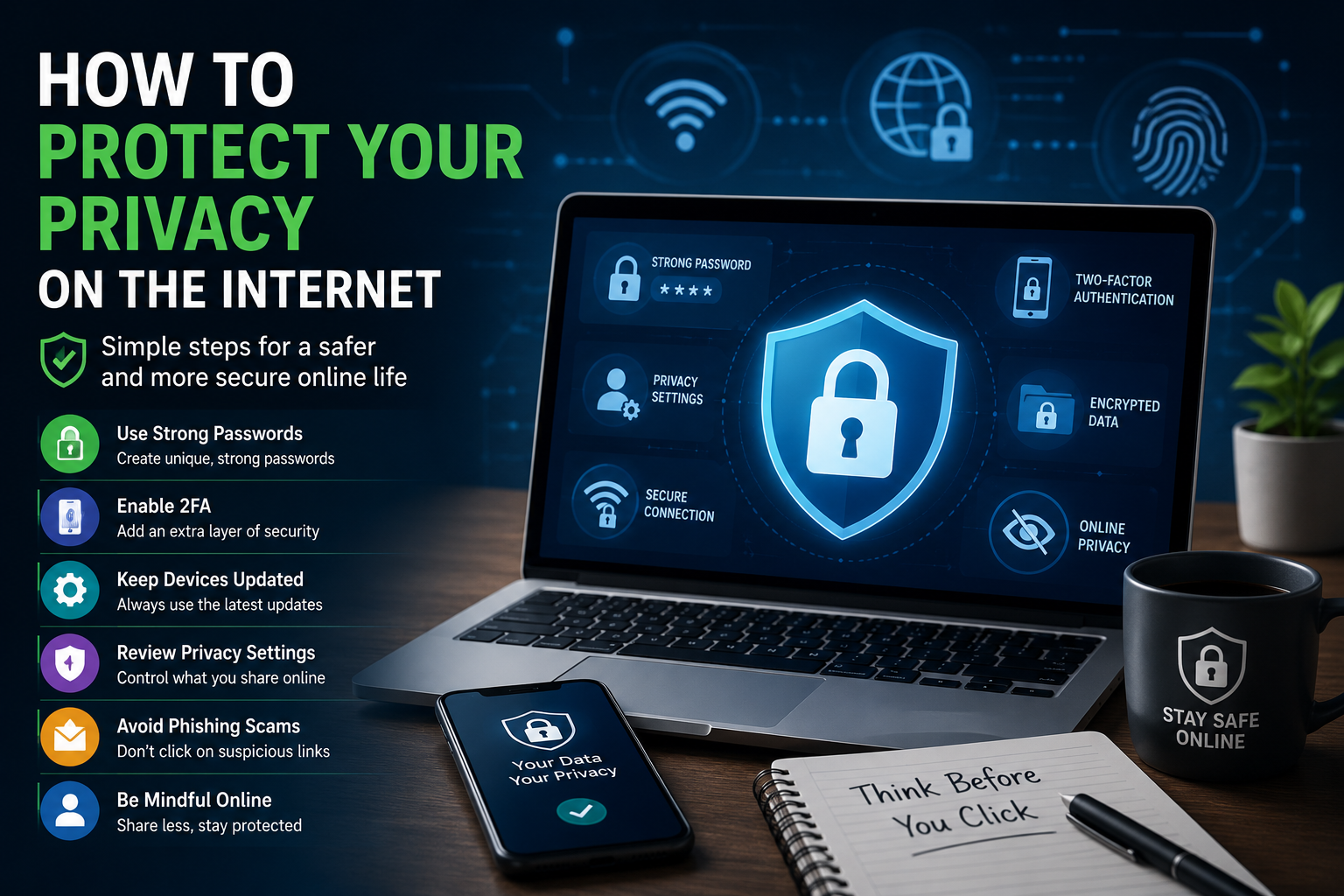
The internet is an essential part of everyday life, helping us shop, bank, work, and connect with others. However, it also exposes us to privacy risks such as identity theft, phishing scams, data breaches, and online tracking. Every online activity leaves a digital footprint. By adopting smart security habits, using strong passwords, and protecting your personal information, you can greatly improve your online privacy and stay safer while browsing.
Learn more about cybersecurity best practices.
Why Online Privacy Matters
Online privacy is about controlling who can access your personal information and how it is used.
Protecting your privacy helps you:
- Prevent identity theft
- Protect your bank accounts
- Reduce online tracking
- Keep personal conversations private
- Avoid phishing scams
- Maintain control over your digital identity
Understand Your Digital Footprint
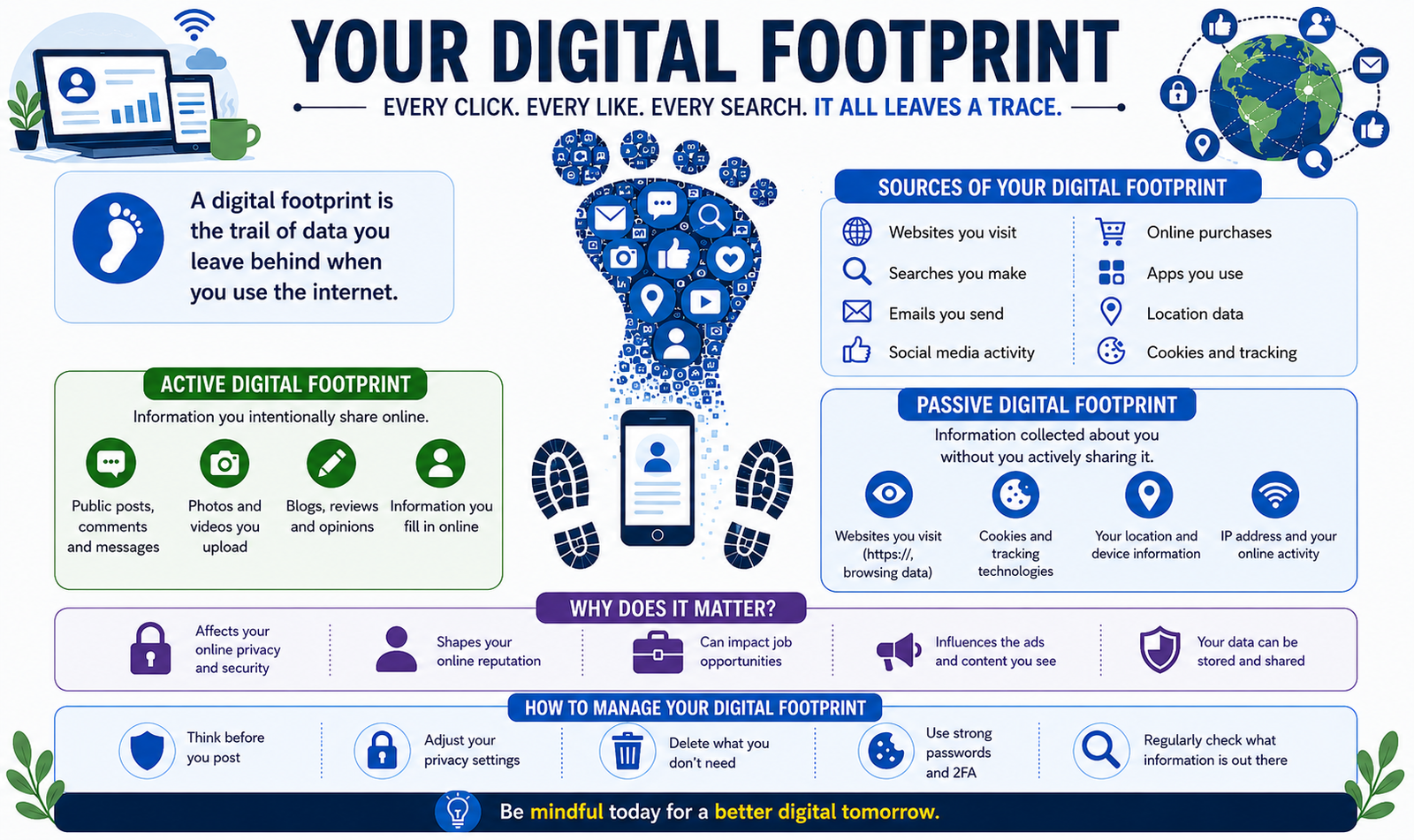
A digital footprint is the information you leave behind whenever you use the internet.
Examples include:
- Websites you visit
- Search history
- Online purchases
- Social media activity
- Photos you upload
- Comments and reviews
- Mobile app usage
Before sharing information online, ask yourself whether you’re comfortable with it remaining accessible for years to come.
Create Strong and Unique Passwords
Weak passwords remain one of the leading causes of compromised accounts.
Best practices include:
- Use at least 12–16 characters.
- Combine uppercase letters, lowercase letters, numbers, and symbols.
- Avoid birthdays or common words.
- Never reuse passwords across multiple accounts.
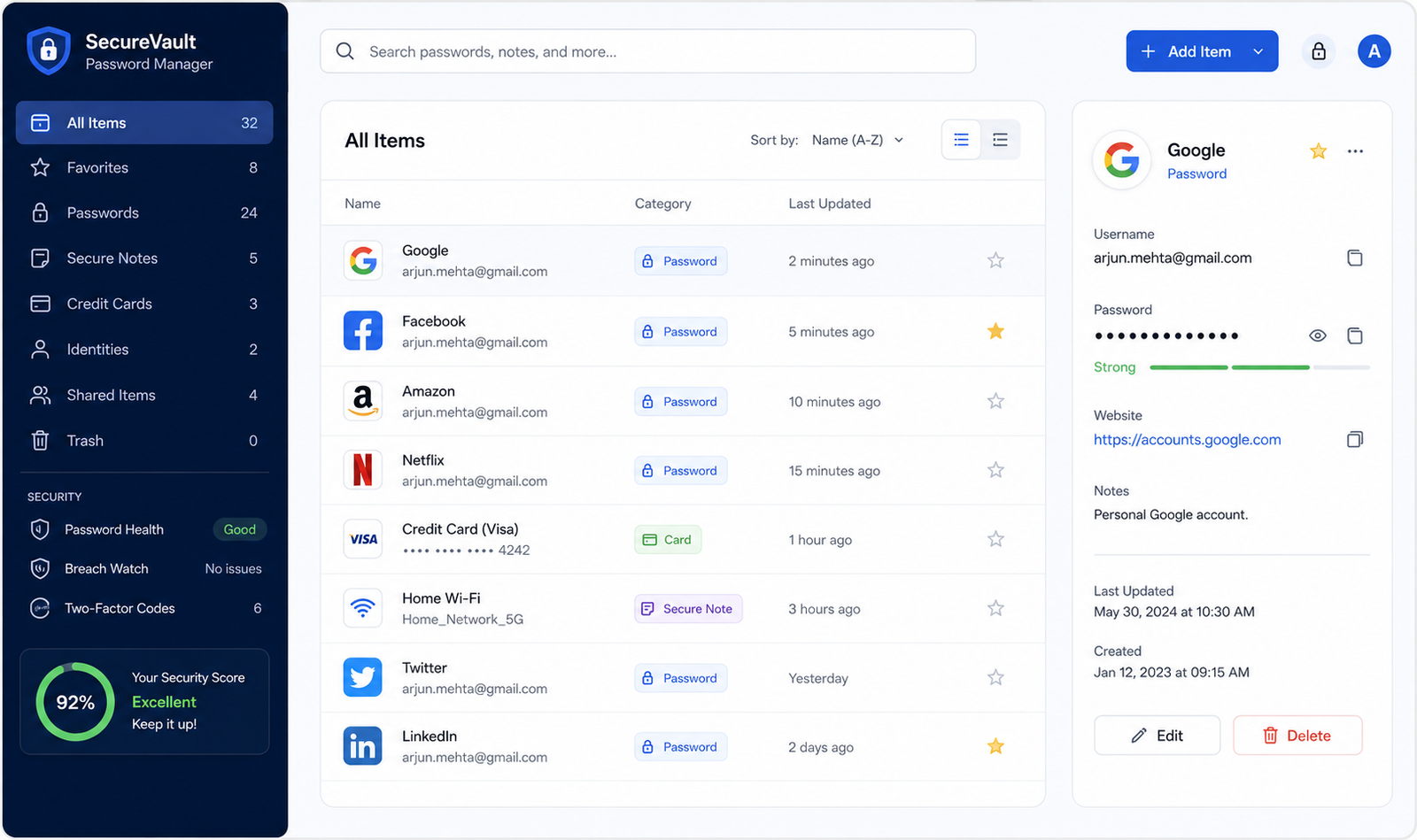
A password manager can generate and securely store complex passwords.
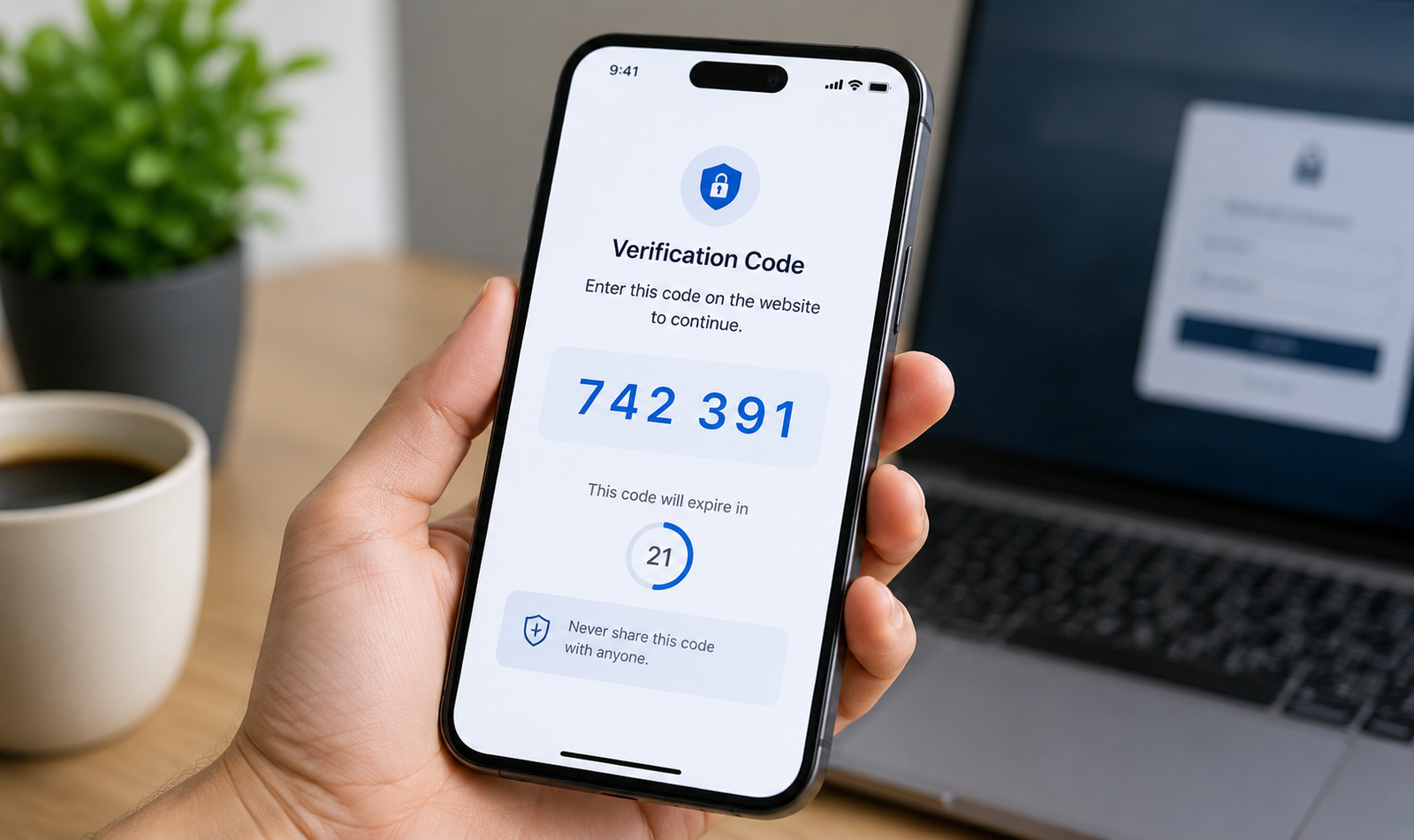
Enable Two-Factor Authentication (2FA)
Two-factor authentication adds an additional verification step after entering your password.
Common methods include:
- Authentication apps
- Security keys
- Fingerprint authentication
- Face recognition
- One-time verification codes
Even if your password is stolen, attackers will have difficulty accessing your account.
Keep Your Devices Updated
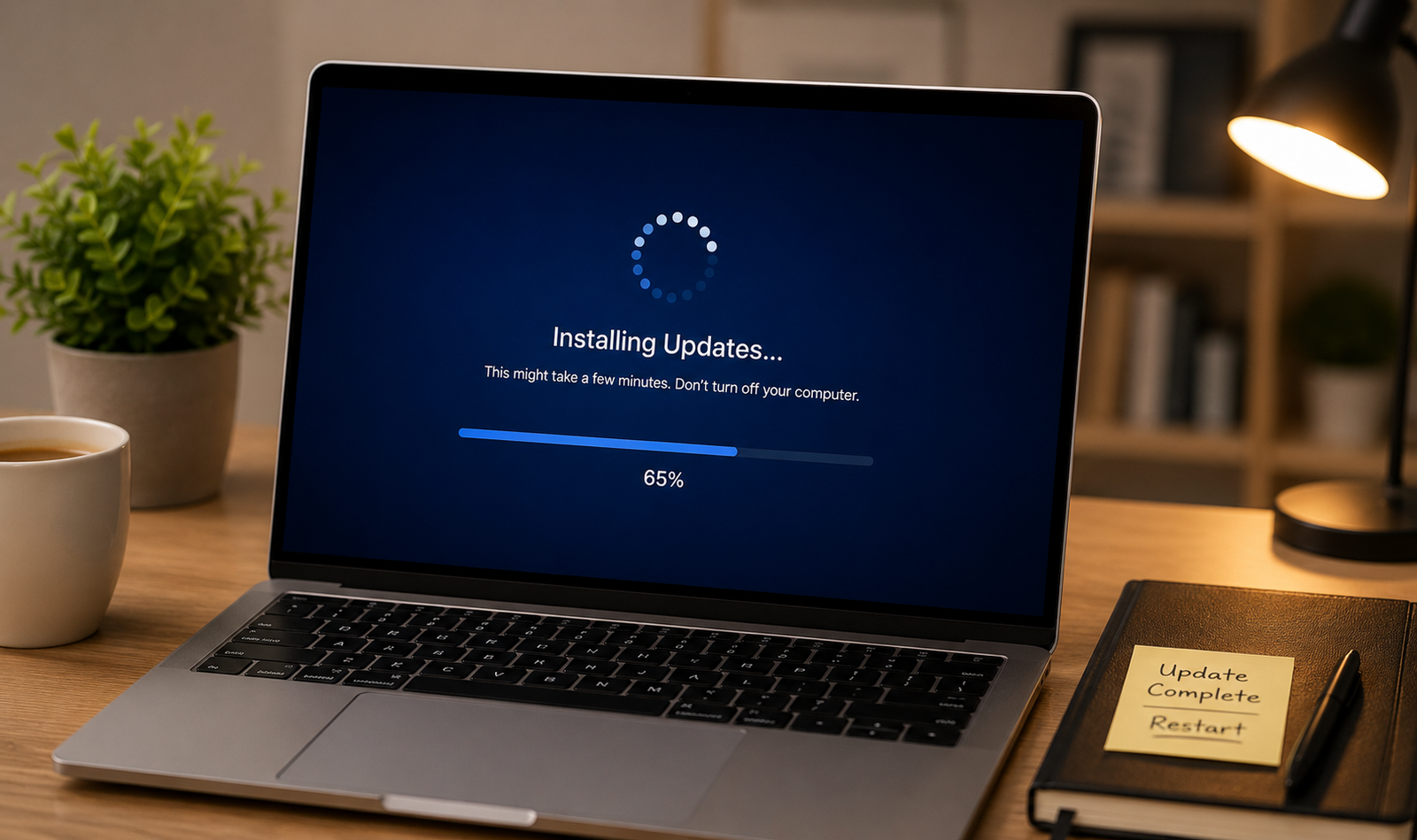
Software updates fix security vulnerabilities that attackers can exploit.
Regularly update:
- Windows or macOS
- Android or iPhone
- Browsers
- Antivirus software
- Router firmware
Enable automatic updates whenever possible.
Browse Securely
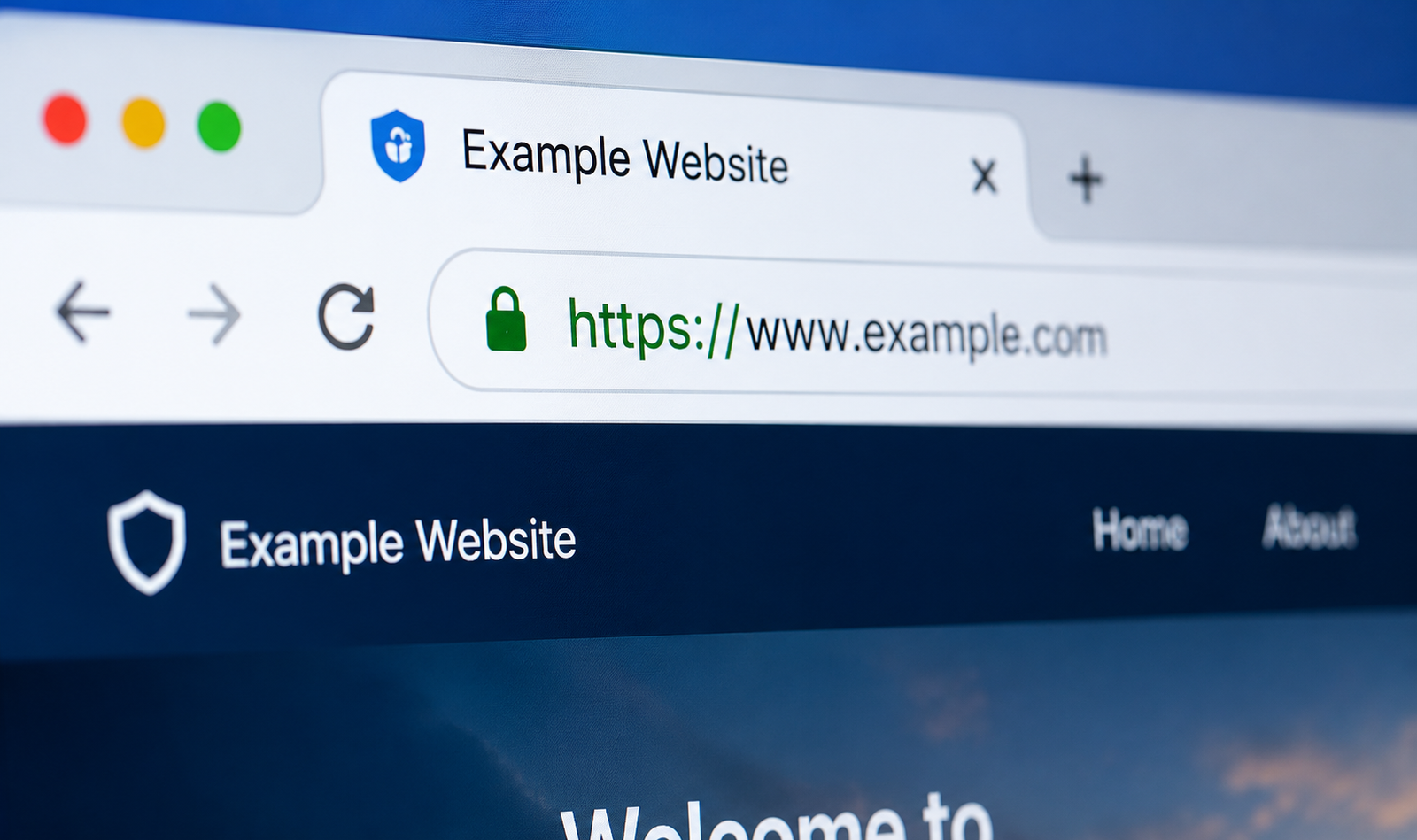
Always verify that websites use HTTPS before entering sensitive information.
Secure websites display:
- HTTPS
- A padlock icon in the address bar
Avoid entering payment details on websites that are not encrypted
Use a Trusted VPN
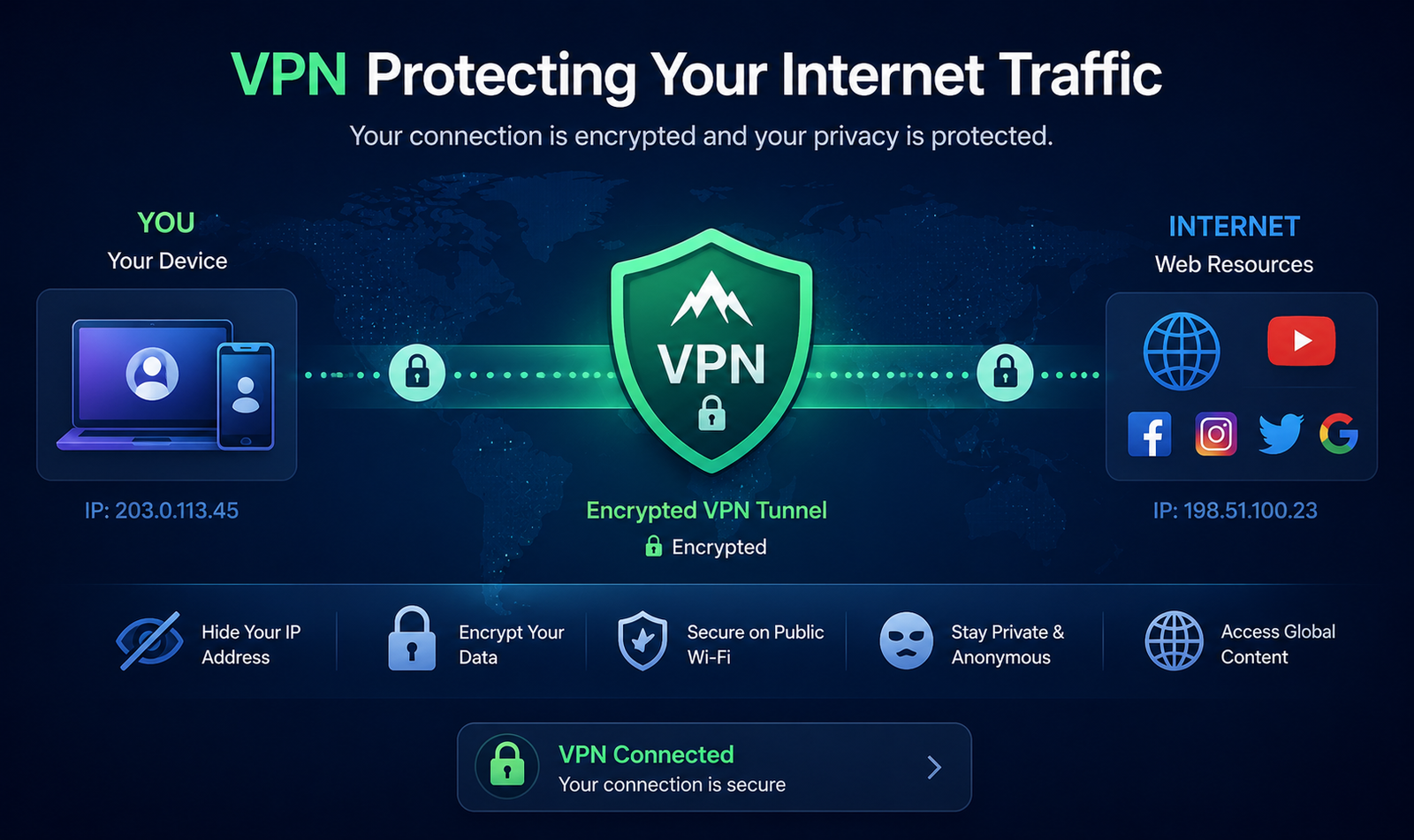
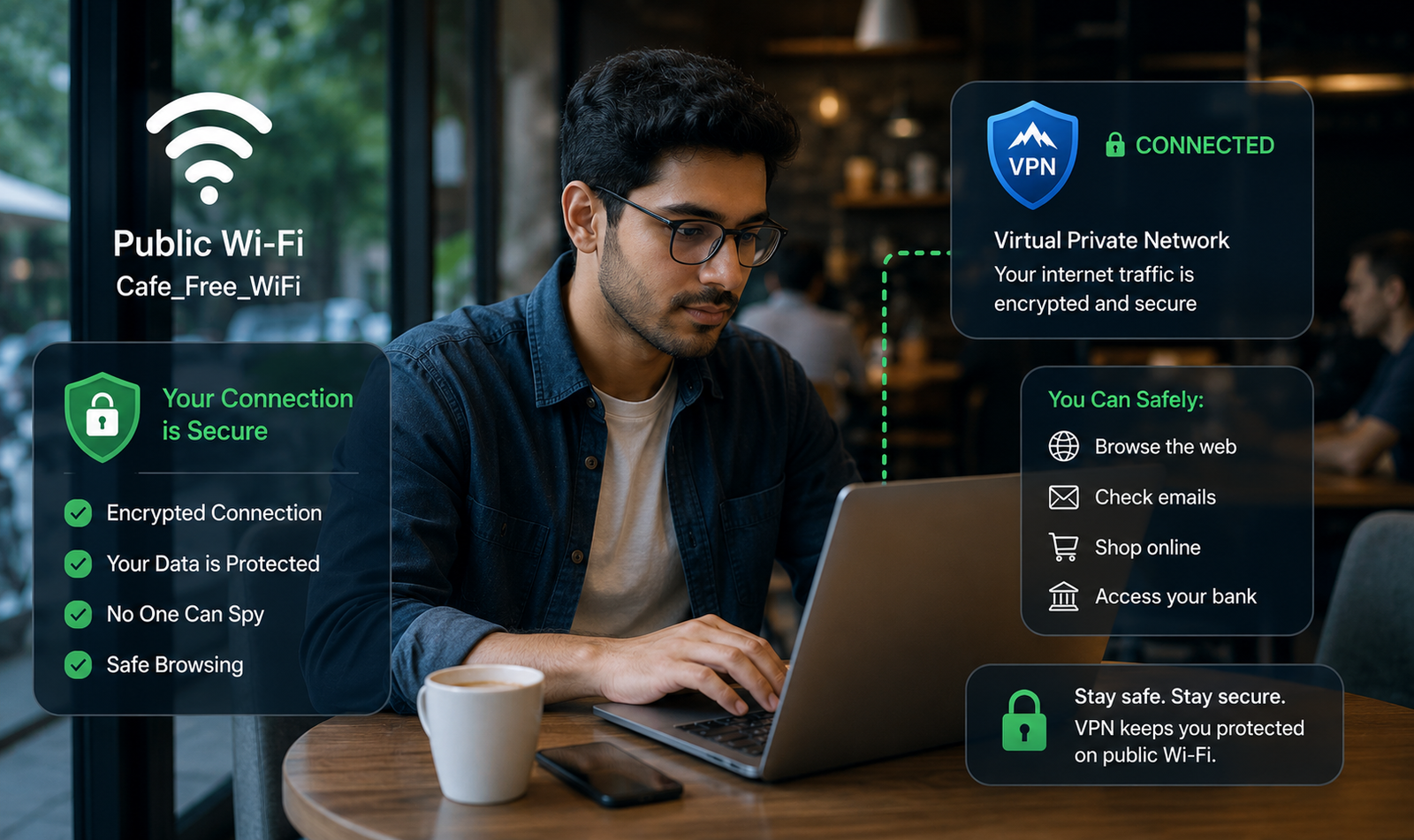
A Virtual Private Network (VPN) encrypts your internet traffic and protects your privacy, especially when using public Wi-Fi.
Benefits include:
- Encrypted internet connection
- Better privacy
- Protection on public networks
- Reduced tracking by internet service providers
Choose a reputable VPN provider with a clear privacy policy.
Be Careful on Public Wi-Fi
Public Wi-Fi networks are convenient but can be insecure.
When using public Wi-Fi:
- Avoid online banking.
- Don’t access sensitive accounts.
- Use a VPN.
- Disable automatic Wi-Fi connections.
- Turn off file sharing.
Review Social Media Privacy Settings
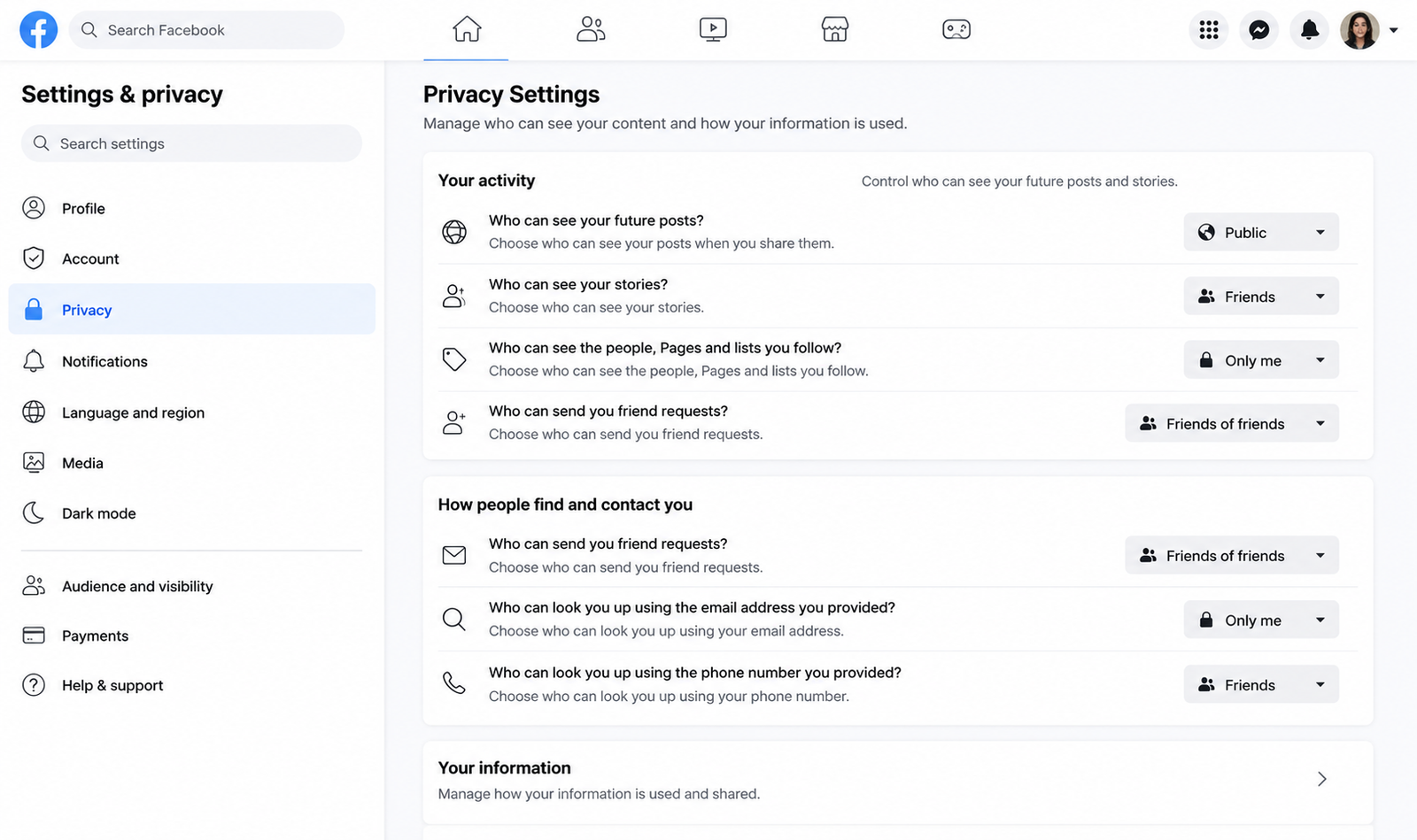
Many people unintentionally share more information than necessary.
Review:
- Who can view your profile
- Friend lists
- Location sharing
- Photo visibility
- Tagged posts
Avoid sharing:
- Home address
- Phone number
- Travel plans
- Financial information
Watch Out for Phishing Scams
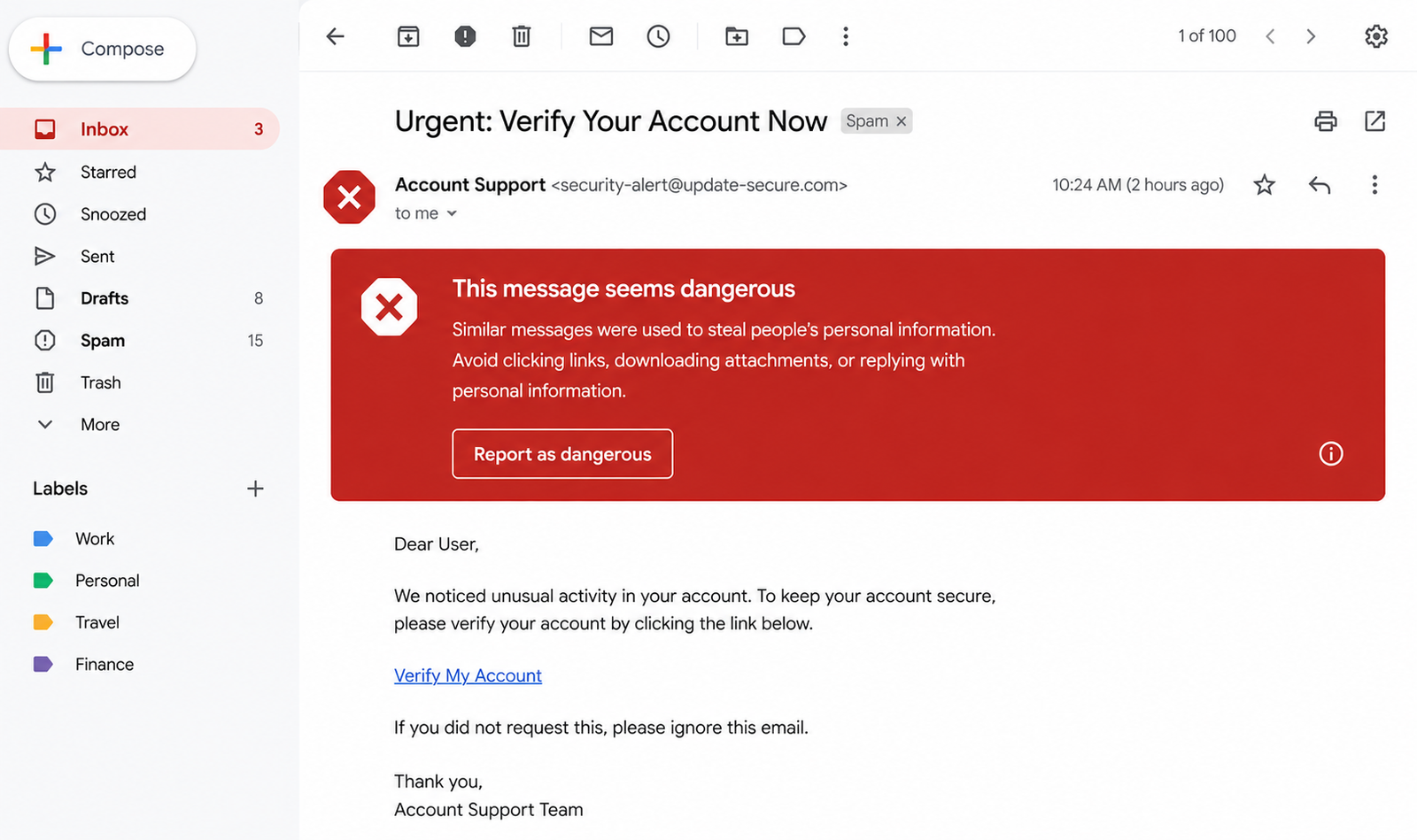
Phishing emails and fake websites attempt to steal passwords or financial information.
Warning signs include:
- Urgent messages
- Unknown senders
- Suspicious links
- Poor grammar
- Requests for passwords or payment
Always verify the sender before clicking links.
Control Browser Tracking
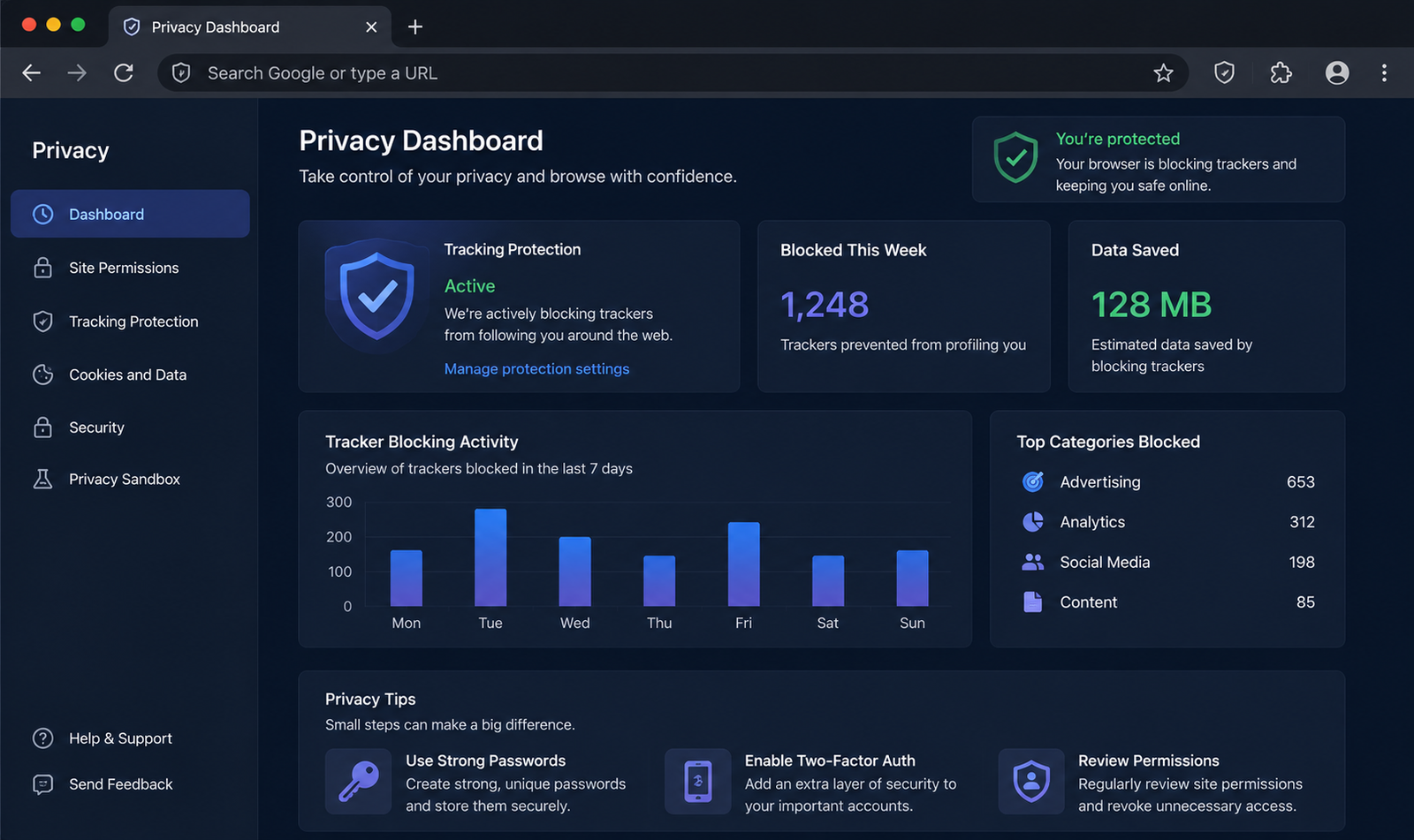
Many websites use cookies and tracking technologies to monitor browsing behavior.
Protect yourself by:
- Blocking third-party cookies
- Clearing cookies regularly
- Using privacy-focused browsers
- Installing tracker-blocking extensions
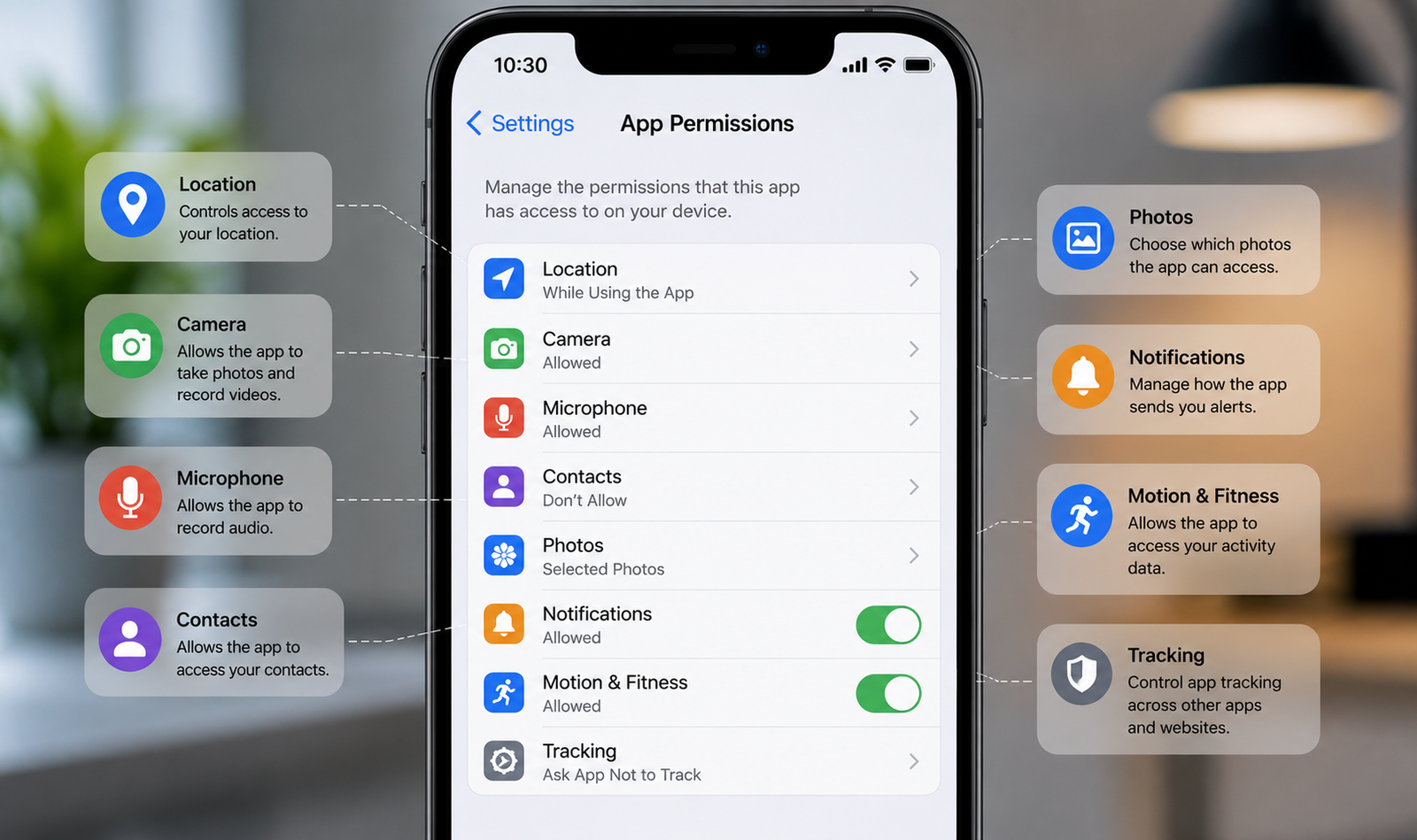
Manage App Permissions
Mobile apps often request access to:
- Camera
- Microphone
- Contacts
- Photos
- Location
Only grant permissions that are necessary for the app to function.
Review permissions regularly and revoke those you no longer need.
Protect Your Email Account
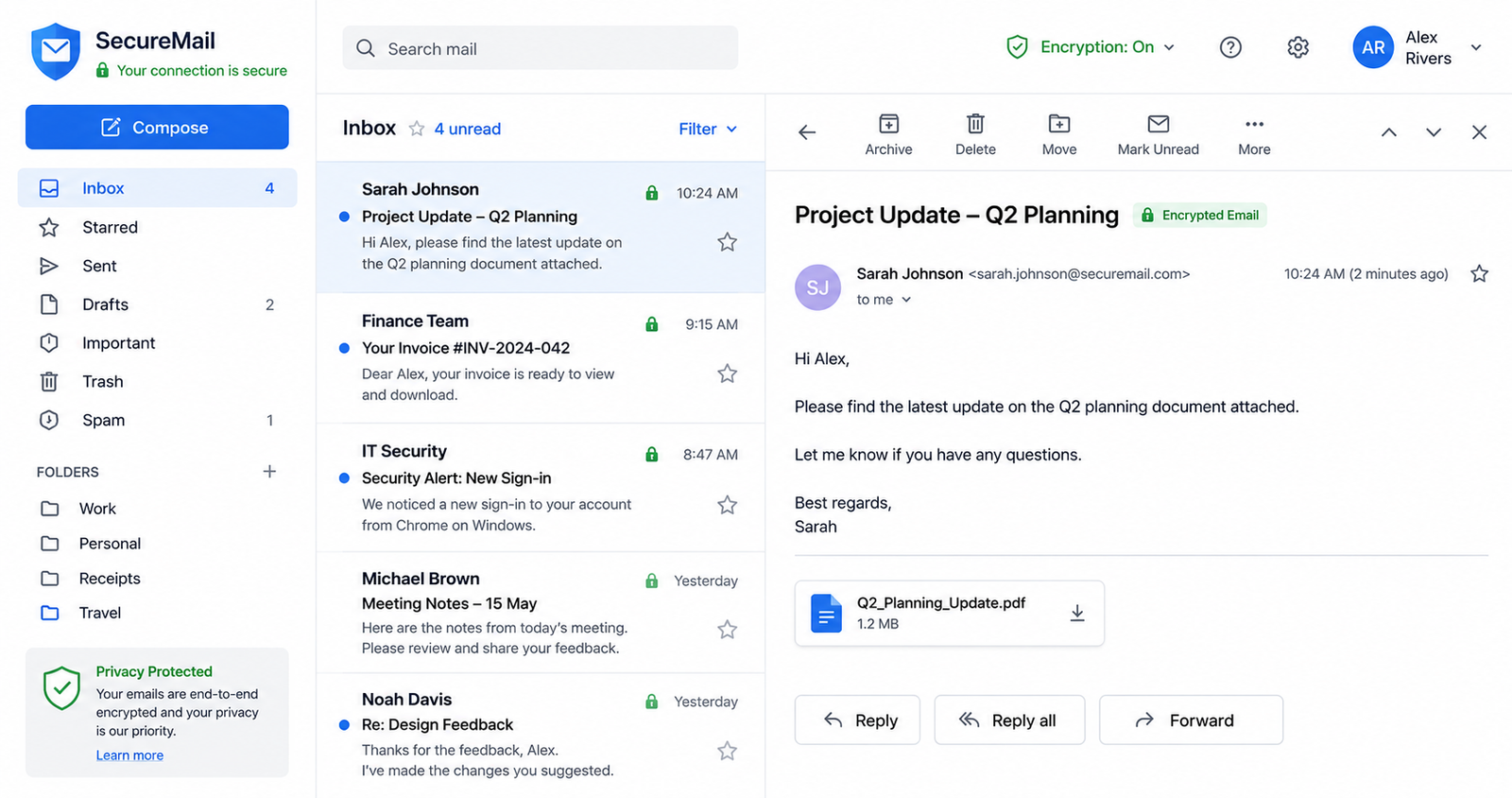
Your email account is often the key to recovering other accounts.
Protect it by:
- Using a unique password
- Enabling two-factor authentication
- Monitoring login activity
- Avoiding suspicious attachments
Monitor Your Online Accounts
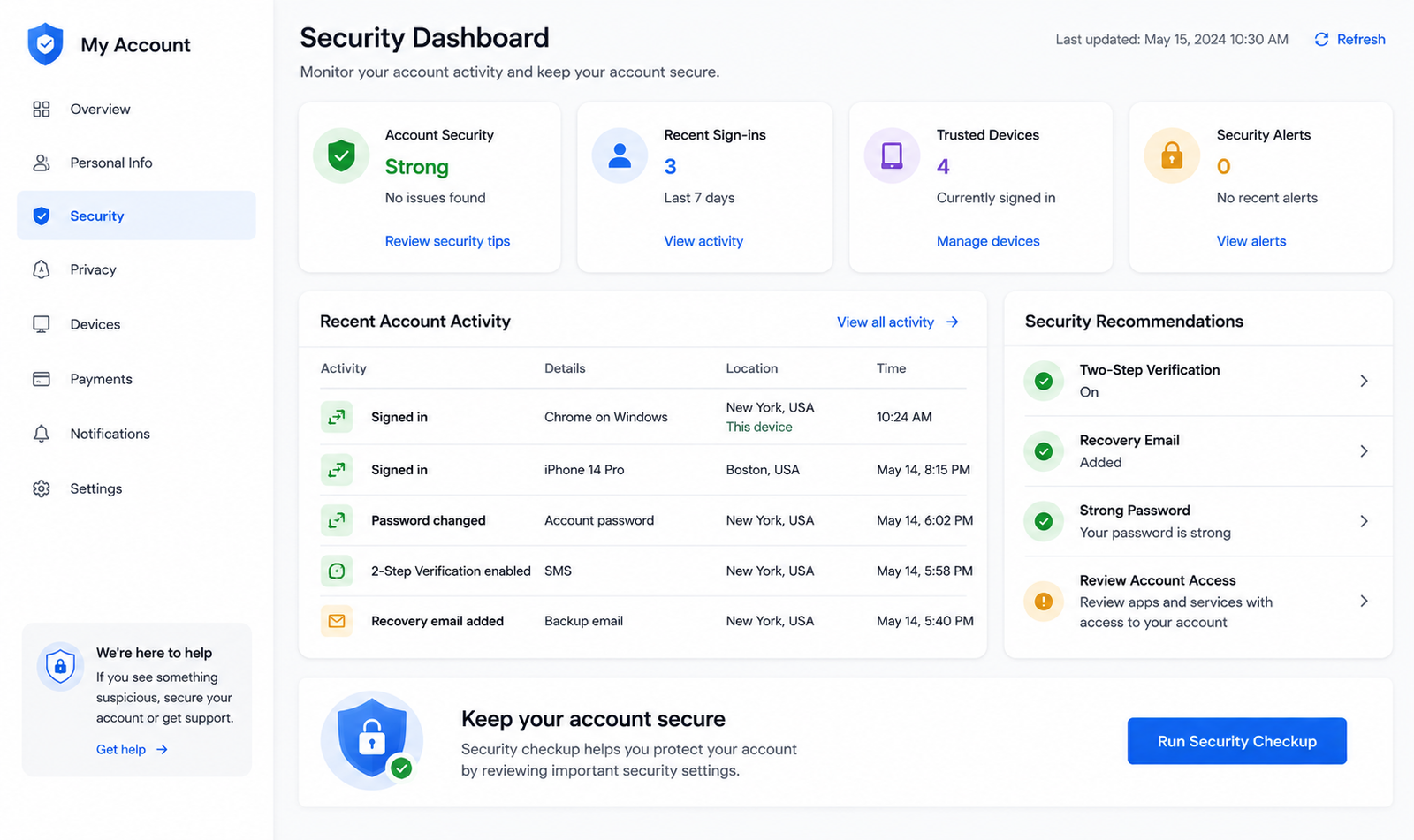
Regularly check your:
- Bank statements
- Credit card transactions
- Social media logins
- Email activity
- Shopping accounts
Early detection helps prevent larger security incidents.
Best Daily Privacy Habits
Follow these simple habits every day:
- Lock your devices.
- Log out of shared computers.
- Use unique passwords.
- Enable automatic updates.
- Avoid unknown links.
- Backup important files.
- Review privacy settings regularly.
- Think before sharing personal information.
Common Mistakes to Avoid
Many privacy breaches happen because of simple mistakes.
Avoid:
- Reusing passwords
- Ignoring software updates
- Clicking suspicious links
- Oversharing on social media
- Installing apps from unknown sources
- Using unsecured public Wi-Fi without protection
Frequently Asked Questions
How can I improve my online privacy?
Use strong passwords, enable two-factor authentication, keep your software updated, review privacy settings, and avoid sharing unnecessary personal information.
Is private browsing completely private?
No. Incognito or private browsing mainly prevents your browsing history from being stored on your device. It does not hide your activity from websites, employers, internet service providers, or network administrators.
Should I use a VPN?
A reputable VPN can improve privacy by encrypting your internet traffic, especially on public Wi-Fi, but it is only one part of a broader privacy strategy.
Why is two-factor authentication important?
It provides an extra layer of security, making it much harder for someone to access your account even if they know your password.
Protecting your online privacy is a continuous responsibility that requires awareness and smart digital habits. Using strong passwords, enabling two-factor authentication, keeping software updated, reviewing privacy settings, and staying alert to phishing attempts can significantly reduce security risks. Every small step you take strengthens your digital safety. By making privacy a daily habit, you can confidently browse, communicate, and work online while keeping your personal information secure.
 admin
admin
 Shreyan