
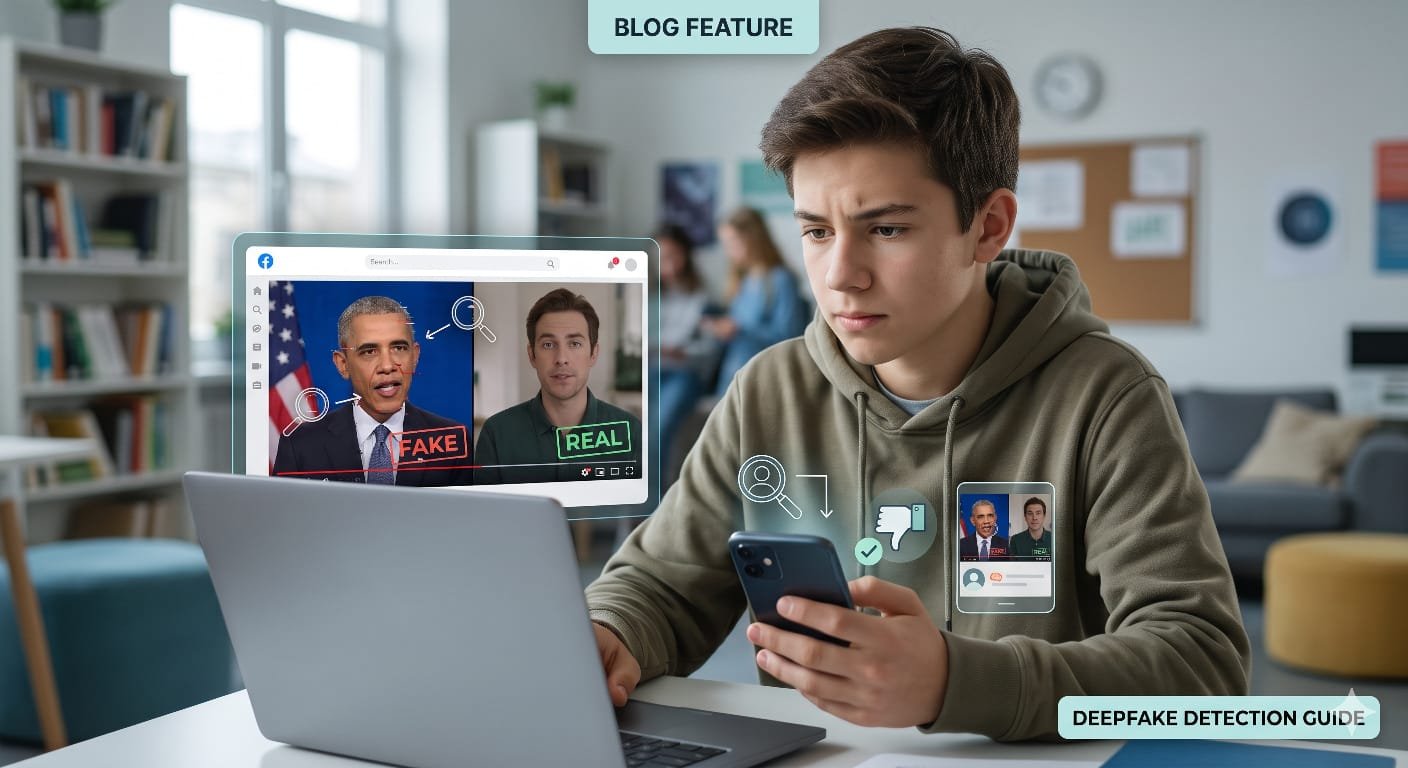
We live in a time where seeing is no longer believing. While scrolling through Instagram, YouTube Shorts, or X, you have probably come across videos of celebrities singing songs they never sang, politicians saying absurd statements, or friends’ faces placed onto movie characters. These are called deepfakes—media created or manipulated using artificial intelligence algorithms, particularly deep learning models like GANs (Generative Adversarial Networks).
While some deepfakes are made just for memes and entertainment, they can also spread fake news, scam people, and ruin reputations. Because AI tools are getting better every day, knowing how to spot them is an essential digital skill for students and internet users alike.
Key Visual Warning Signs to Watch For
Even though modern AI is impressive, it frequently leaves subtle clues. When watching a suspicious clip, pay close attention to these areas:
• Unnatural Facial Expressions and Blinking: Early AI models struggled with blinking because training images rarely included people with closed eyes. While newer models have improved, eye movements often still look robotic, fixed, or oddly timed.
• Mismatched Lighting and Shadows: Pay attention to where the light source is located. If the room has light coming from the left, but the person’s nose casts a shadow to the left as well, the face was likely pasted on.
• Blurry Edges and Skin Textures: AI models often struggle to blend the edges of a swapped face with the host’s head. Look closely near the jawline, hairline, and earlobes. You might spot blurred patches, sudden pixelation, or skin that looks unnaturally smooth—almost like a heavy beauty filter.
• The “Hands and Teeth” Problem: Generating realistic human hands and teeth remains tricky for image-generation engines. Deepfakes often display too many teeth, blurry teeth, or fingers that bend strangely or merge together.
• Audio-Visual Desync: Watch the mouth closely while listening to the audio. Sometimes the lip shapes do not match the exact phonetic sounds being spoken, resembling a poorly dubbed foreign film.
Audio Red Flags in Voice Clones
Deepfakes are not limited to video; voice cloning is now widely used in phone scams and viral audio clips. Keep an ear out for:
• Monotone Cadence: AI voices often miss the natural rhythm, breath pauses, and emotional tone of real human speech.
• Metallic Artifacts: Listen for faint robotic buzzes, muffled syllables, or sudden changes in background noise around individual words.
Helpful Detection Tools and Verification Methods
You do not need to rely only on your eyes. Several digital tools and verification habits can help check whether a file is authentic:
1. Free & Easy Web Scanners (No Signup Needed)
- WeDetect AI (Deepfake Detector): A completely free web scanner designed for everyday users. You simply upload a photo or a screenshot from a video, and the tool instantly calculates a face-swap or AI-generation probability score before deleting the file for privacy.
- BitMind AI Content Detector: An incredibly straightforward drag-and-drop website. Users can upload an image or video file—or paste a direct image URL—to instantly scan for generative AI pixel signatures in their browser.
- DeepfakeCheck.io: A user-friendly, multi-modal scanner where anyone can drop text, audio, images, or short video files. It quickly outputs a clear, color-coded AI risk score alongside visual screening evidence.
- DeepfakeDetector.ai: A user-friendly option that offers a unified interface for scanning video, images, and audio with a generous free tier for quick analysis.
2. Mobile Apps & Built-In Methods
- Reverse Image Search: Take a screenshot of a suspicious video frame and run it through Google Lens, TinEye, or Yandex. This often reveals the original, unedited source video.
- Detect AI Mobile App: Perfect for users who browse primarily on their phones. Available on major app stores, it allows you to upload local images, videos, or voice clips to get an instant, plain-language verdict (like Authentic or Deepfake Detected).
3. Context & Fact-Checking Portals
- Fact-Checking Portals: Before sharing sensational political clips or celebrity controversies, check established fact-checking platforms like BoomLive, Alt News, or Snopes to see if the video has already been debunked..
- Metadata and Sieve Tools: Platforms like Microsoft’s Video Authenticator and open-source verification extensions (like InVID) analyze video frames for invisible pixel blending boundaries.
Final Takeaway
As artificial intelligence models evolve, distinguishing real footage from fake footage by eye will become increasingly difficult. The best defense is maintaining a habit of healthy skepticism. When a piece of media causes an immediate emotional reaction—shock, anger, or confusion—pause before hitting share, check the context, and verify the source
 Arpital
 Raghab